Break And Hide The Plane Updates & Patch Notes
Track live changes so tools, codes, and chapter routes stay accurate after every ship.
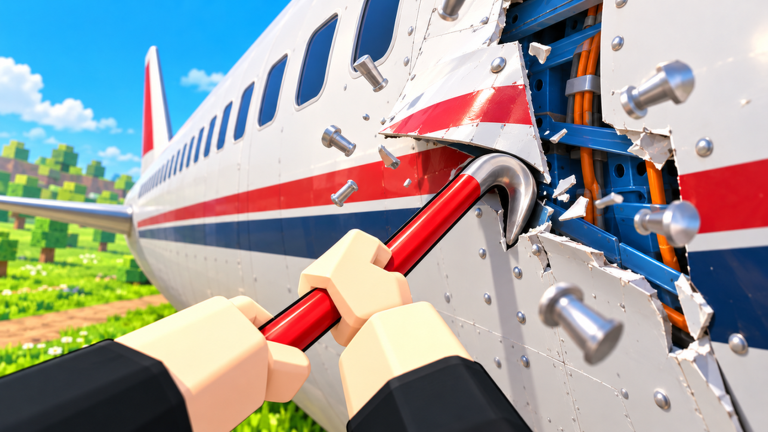
Unlicensed Plane Mechanics ships frequent client updates to Break And Hide The Plane. Thumbnails and titles have already rotated through seasonal wrappers while the core scrap-to-village loop stayed intact. This hub is your index for what changed and which wiki pages to reread so you do not waste a night on outdated shop advice.
Latest write-up
Start with Latest Patch Notes for the most recent snapshot of live metadata, visit milestones, and checklist items after a patch.
What usually changes
- Gear Shop prices or new tools
- Upgrade Book rank curves
- Chapter layouts and village thresholds
- UI locations for Codes buttons
- Seasonal branding (Halloween, alien UPD tags, and similar wrappers)
- Performance on mobile when scrap density rises
After every update checklist
- Confirm the experience still loads from the official Roblox link on Official Links.
- Recheck Codes for celebration drop strings.
- Re-time a sack fill to see if the Tools Tier List needs edits.
- Skim Gear and Upgrades if new blueprint tiers appeared.
- Tell your squad about control or HUD moves via the Co-op Guide.
- Assume unverified scripts broke — read Scripts before pasting anything.
Version awareness
Roblox does not always surface human-readable patch essays inside the experience. Use the updated timestamp on the game page, developer group shoutouts, and trusted creators as signals. When details are thin, we still publish actionable re-test steps instead of inventing patch fantasy.
Related pages
Social listening without rumors
Treat random Discord “leak” screenshots cautiously until the official experience description or developer group confirms them. This hub prefers actionable re-tests over rumor mills. When a change is real, we point you back to Codes, Tools Tier List, and Controls as needed.
Archive mindset
Older seasonal banners still matter historically, but gameplay advice should always prefer the newest snapshot. When in doubt, open Latest Patch Notes first, then jump to the affected system guide instead of rereading every article on the wiki from scratch.\n\n## Notify your squad\n\nAfter reading the latest snapshot, drop three bullets in chat: Codes status, shop changes, HUD moves. That habit keeps co-op nights from discovering broken menus mid-delivery.
Final reminder
Read the newest snapshot first, then jump only to the systems that changed for your squad tonight.
Frequently Asked Questions
Quick answers for Break And Hide The Plane players.
Where are the newest notes?
Open Latest Patch Notes from this hub for the current snapshot.
Why did the Roblox title emoji change?
Seasonal or marketing wrappers change thumbnails and titles without renaming the underlying experience.
Should I relearn controls after every update?
Only if the HUD moved. Skim Controls and the latest patch checklist; most updates keep the first-person dismantle verbs the same.